
Download TweakNow WinSecret – Windows Optimization, Privacy Protection, System Maintenance
Overview
TweakNow WinSecret is a Windows optimization tool designed to enhance system performance and strengthen user privacy through accessible configuration changes. The application targets individuals seeking greater control over their PC settings without requiring advanced technical knowledge. By simplifying access to hidden or complex system parameters, it enables users to fine-tune their environment for improved efficiency and security. The tool is particularly useful for those who want to reduce system bloat, disable telemetry, and streamline startup processes.
It serves a broad audience, including home users, remote workers, and IT professionals managing multiple devices. The app addresses common pain points such as slow boot times, excessive background activity, and privacy concerns related to data collection by default Windows settings. By offering a centralized interface for system adjustments, TweakNow WinSecret reduces the need to navigate through multiple system menus or registry edits.
Although the developer did not provide additional technical details about their background or history, the tool’s focus on privacy and performance aligns with growing user demand for transparency and control. Its release date was August 1, 2025, indicating recent development and relevance in the current software landscape. The application is available at no cost, making it accessible to a wide range of users seeking effective system optimization without financial commitment.
Key Features & Functionality
- Privacy Management: TweakNow WinSecret allows users to disable Microsoft’s tracking features, data collection, and telemetry services with minimal effort. This helps protect personal information and reduces the amount of data shared with third parties.
- Performance Tweaks: The tool enables users to disable unnecessary animations, stop resource-intensive background services, and adjust system configurations to improve responsiveness and speed.
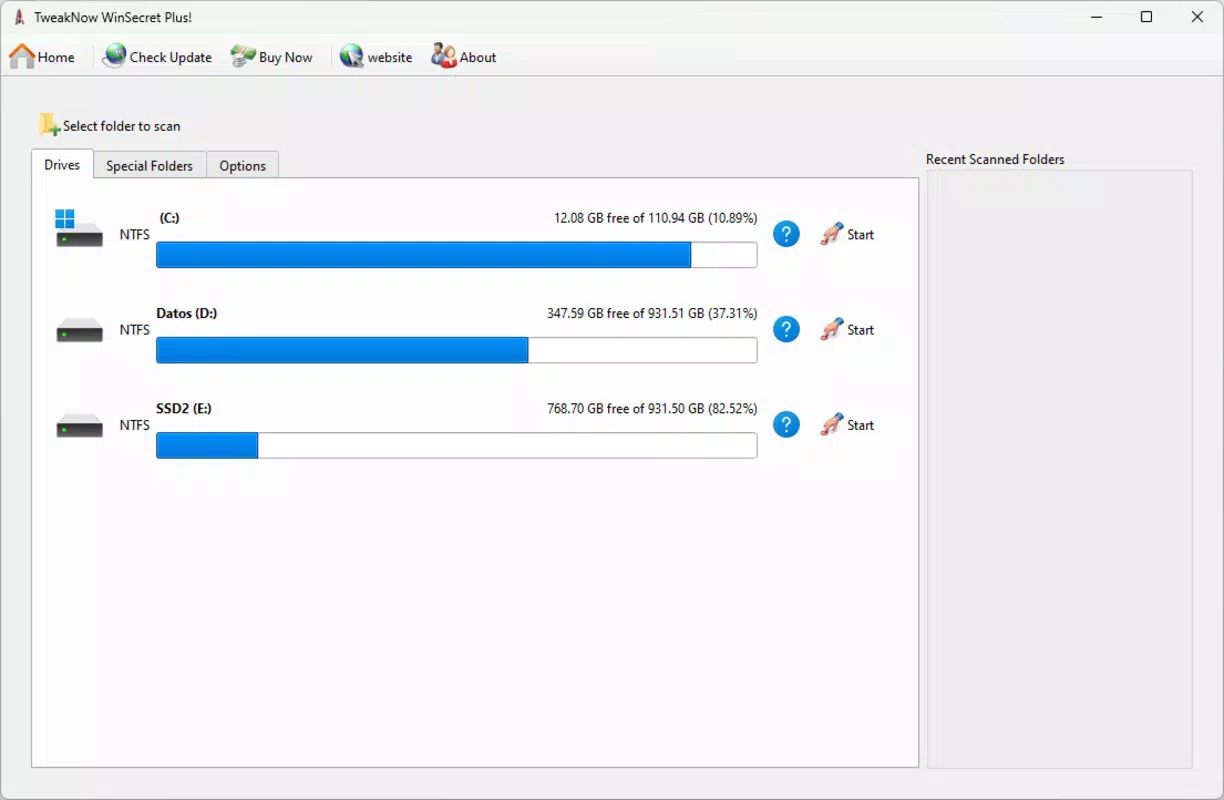
- System Maintenance Tools: Built-in utilities include temporary file cleanup, registry optimization, and hard disk maintenance, all aimed at freeing up storage space and enhancing system stability.
- Startup Optimization: Users can review and disable non-essential programs that launch at startup, reducing boot time and minimizing initial system load.
For example, a user experiencing slow boot times can use the startup manager to disable unused applications like media players or cloud sync tools. Similarly, someone concerned about privacy can quickly disable telemetry and location tracking across the system. These features are designed to deliver immediate, tangible improvements without requiring deep technical expertise. The tool’s interface ensures that each function is clearly labeled and accessible, allowing users to apply changes confidently and revert them if needed.
Interface, UX & Performance
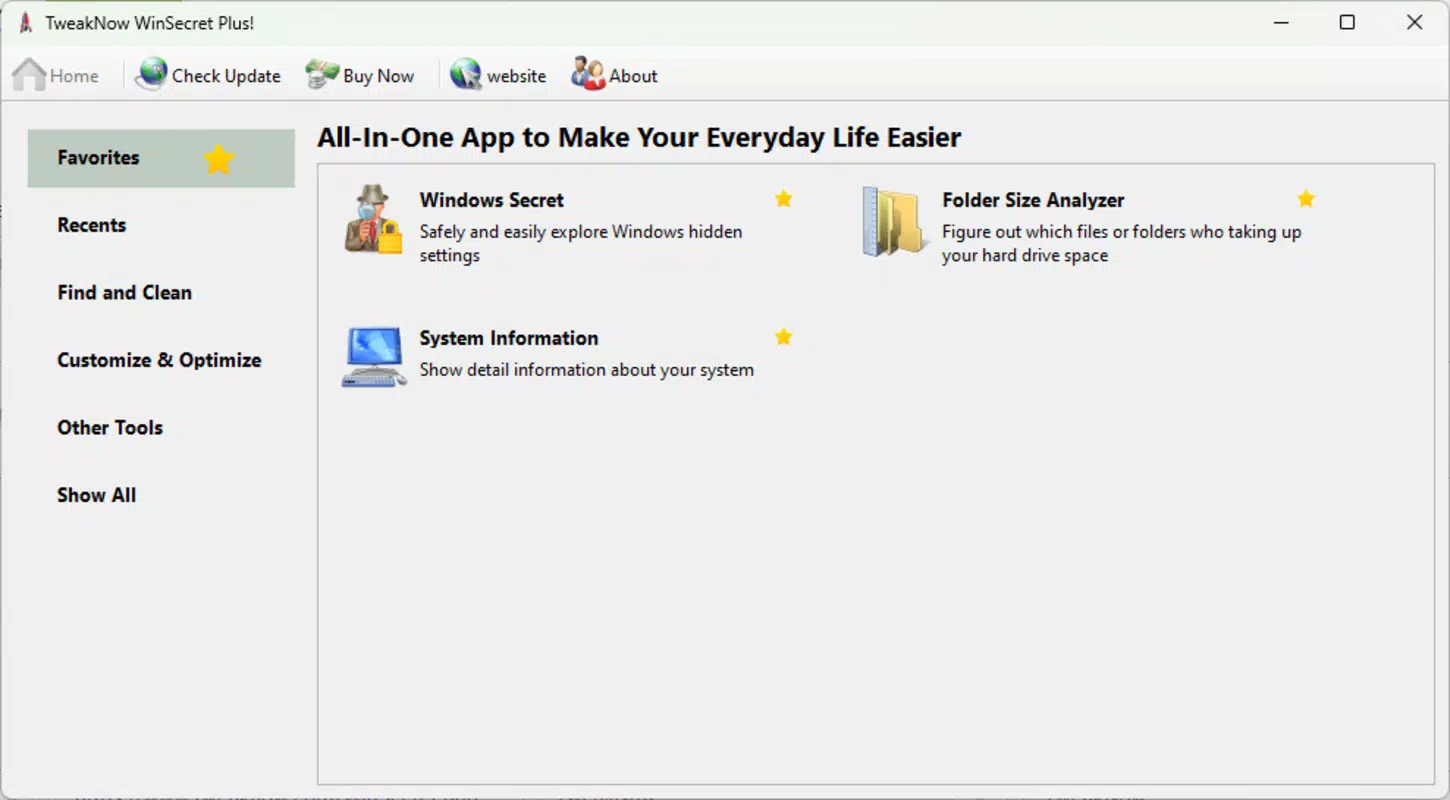
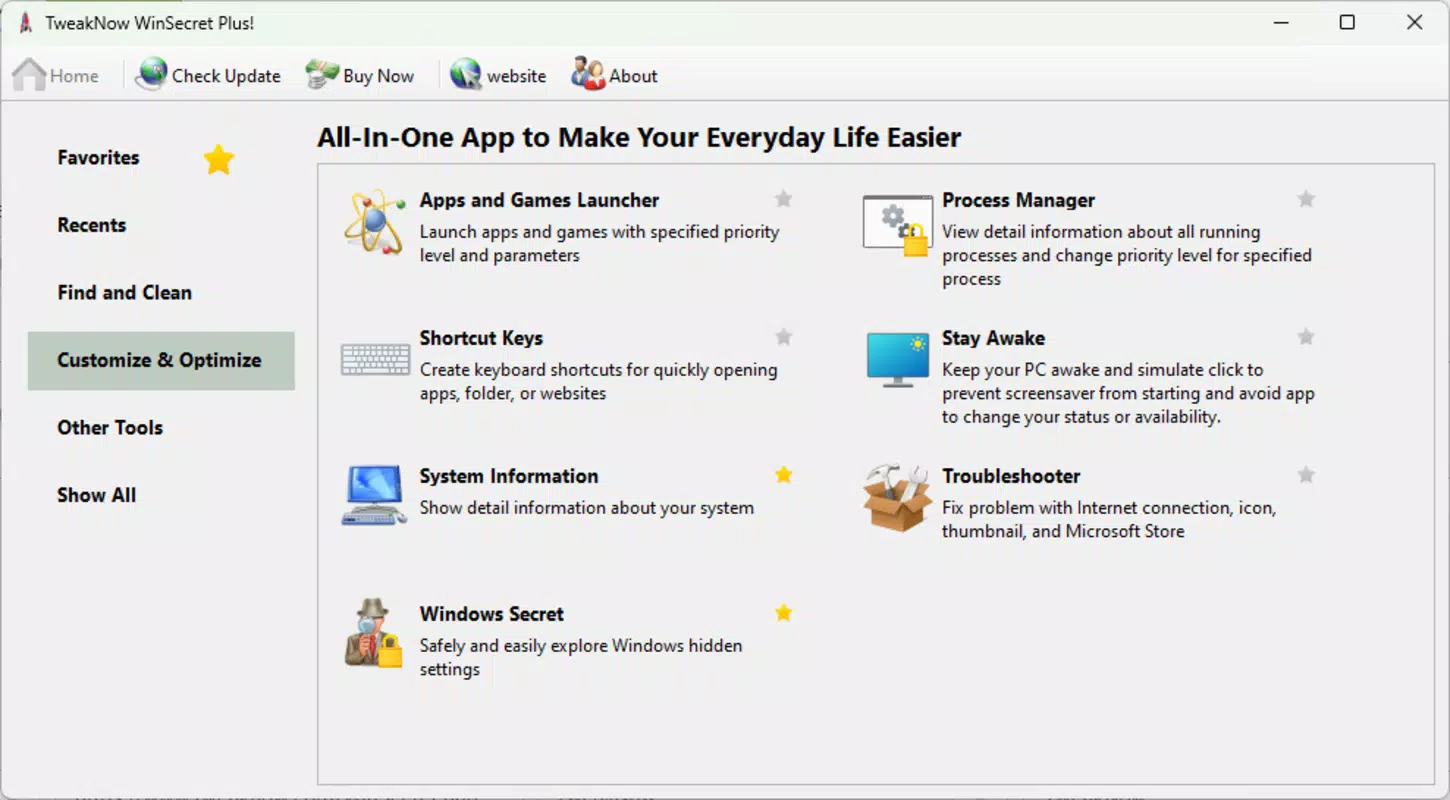
The user interface of TweakNow WinSecret is structured around a clean, tab-based layout that organizes features into logical categories such as Privacy, Performance, Maintenance, and Startup. The visual style is minimalistic, with consistent color coding and intuitive icons that guide users through each section. Navigation is straightforward, with clear headings and descriptive tooltips that explain the impact of each setting.
Users can apply changes with a single click, and the tool provides a confirmation prompt before executing modifications, helping prevent unintended system alterations. Although the developer did not list formal performance metrics, the application operates efficiently on standard Windows systems, with minimal resource usage during operation. It maintains responsiveness even on older hardware, suggesting optimized code execution and low overhead.
Stability appears to be a priority, as the tool does not report known crashes or conflicts in its current release. However, specific requirements were not listed, and compatibility with all Windows versions was not fully disclosed. Users should exercise caution when applying system-level changes and ensure backups are in place before making modifications.
Platform Compatibility & Technical Requirements
TweakNow WinSecret is designed for the Windows operating system. The application is compatible with modern Windows platforms, though specific OS versions were not listed. The file size is reported as 10.4 MB, indicating a lightweight installation that requires minimal disk space. The software version is 2025.08.01, aligning with its release date of August 1, 2025.
While the developer did not specify minimum OS requirements, the tool is expected to function on widely used Windows editions such as Windows 10 and Windows 11. Users should verify compatibility with their specific system configuration before installation. No additional dependencies or runtime environments were mentioned, suggesting a standalone executable.
Pros and Cons
Pros
- Free to download and use, making it accessible for all users.
- Centralized control over privacy, performance, and maintenance settings.
- Simple interface suitable for non-technical users.
- Lightweight design with minimal system impact.
- Immediate performance improvements after configuration.
Cons
- Specific system requirements were not disclosed.
- No official update notifications or automatic update feature.
- Compatibility with older Windows versions was not confirmed.
- Advanced users may seek more granular control than the tool provides.
- Developer background and support channels were not detailed.
FAQ
Is TweakNow WinSecret safe to use?
Yes, the tool is designed to modify system settings safely. However, users are advised to back up their system before applying changes, especially when adjusting registry or startup configurations.
Can I uninstall TweakNow WinSecret after use?
Yes, the application can be removed like any standard Windows program. It does not leave behind persistent system changes unless explicitly applied by the user.
Does TweakNow WinSecret require internet access?
The tool does not require continuous internet access to function. However, some features may need connectivity for updates or validation, though this was not specified.
Is TweakNow WinSecret available for Mac or Linux?
Based on available information, the application is currently designed only for Windows platforms.
How often should I run system maintenance with TweakNow WinSecret?
Users can run maintenance tasks as needed, such as when experiencing slowdowns or low disk space. A monthly check is generally sufficient for routine upkeep.
Final Thoughts
TweakNow WinSecret offers a practical solution for users looking to enhance their Windows experience through performance tuning and privacy protection. Its intuitive design and comprehensive feature set make it ideal for individuals who want to take control of their system without diving into complex settings. While the tool lacks detailed documentation on compatibility and updates, its core functionalities deliver clear value.
Home users, remote professionals, and casual PC owners will benefit most from its ability to speed up boot times, reduce background activity, and safeguard personal data. The fact that it is free and lightweight adds to its appeal. For anyone seeking a reliable, no-cost utility to optimize their Windows environment, TweakNow WinSecret is a strong contender.
Download TweakNow WinSecret now


